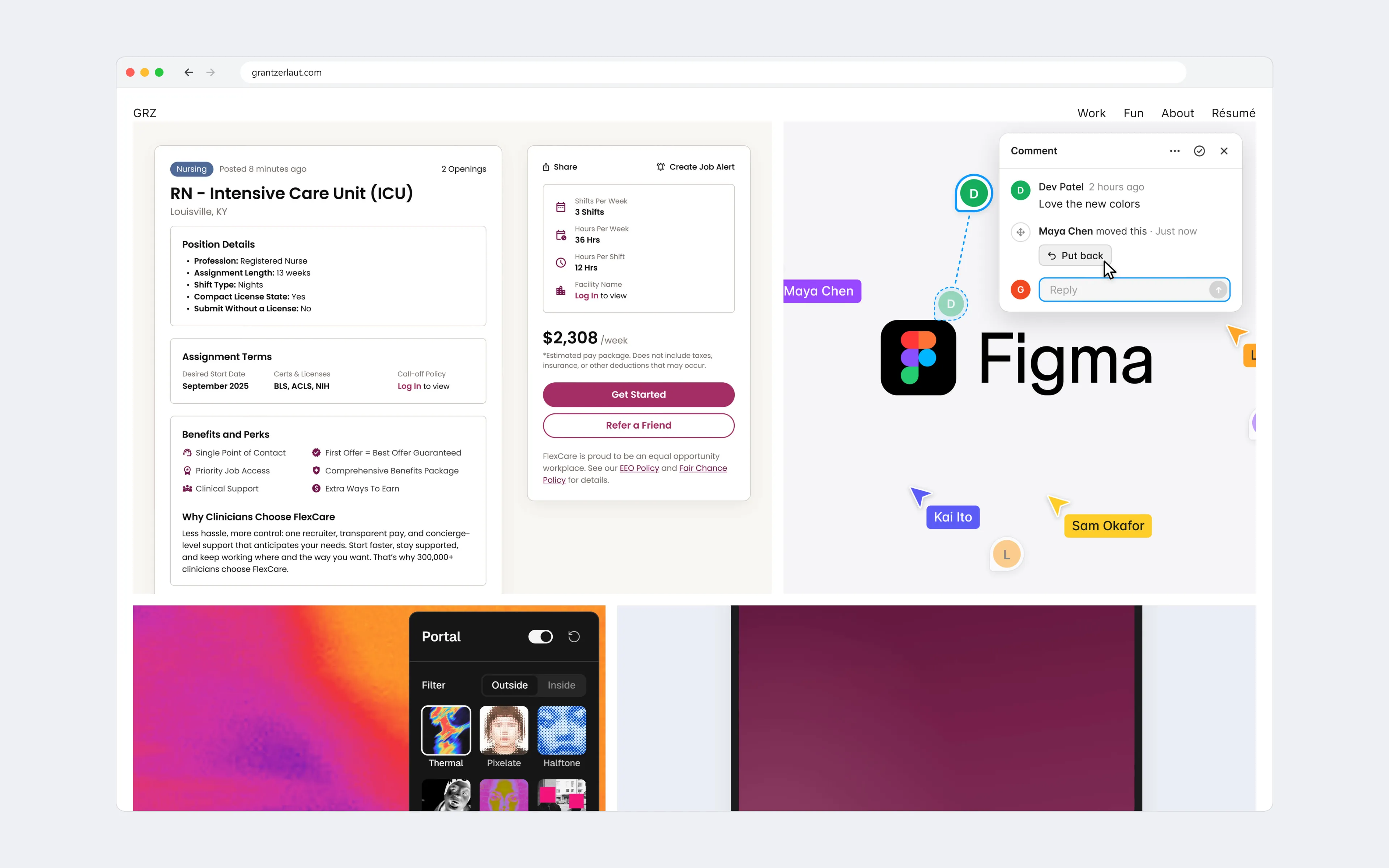
I started this portfolio in late 2025 and spent 2 to 3 months building it in Webflow. To get past its template-style layouts I added custom code, but I was constantly fighting the platform, and the finished site never looked or worked quite like I wanted.
So I rebuilt it. Designed in Figma and built with Claude Code, the new site took 2 weeks, with interactions that would have taken me months in Webflow.
- Role
- Design and build
- Team
- Designer (me)
- Timeline
- 2 weeks
- Scope
- Portfolio site
Opening a case study
Growing the card into the case study
I wanted the card you click to open up into the case study itself. So its image works as a shared element, expanding to fill the screen and becoming the case study’s hero while the rest of Home clears away.

Next case study
Bleeding each case study into the next
This one came from my nights of doomscrolling. A feed never asks you to decide whether to keep going, and I wanted my case studies to read the same way. Near the end of each one, the next project’s color bleeds up from the bottom of the page. As you keep scrolling, it drags away like a sheet of fog, revealing the next case study before pulling you into it.

Idle
Turning idle time into a showreel
A portfolio often gets left open in a tab after someone moves on to other work. After 2 minutes without input, the site becomes a showreel, playing through every project. A single click or scroll only brings the page back, which means no one lands in a project by accident.
